TV remote for iPhone
A free TV remote with no subscription and no ads
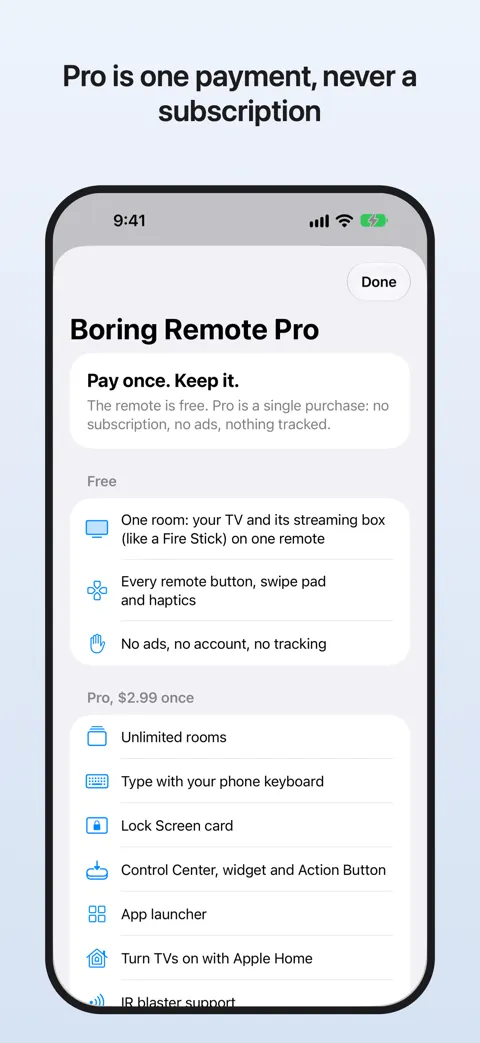
Boring Remote does one boring job well. Every button you need is free, for good. If you want extras like typing on your TV or a Lock Screen remote, Pro is $2.99 once.
- No subscription
- No ads
- No account
- No tracking
Works with
Works with
- Roku
- Samsung
- LG
- Fire TV
- Google TV
- Vizio

Free
Everything a remote should do
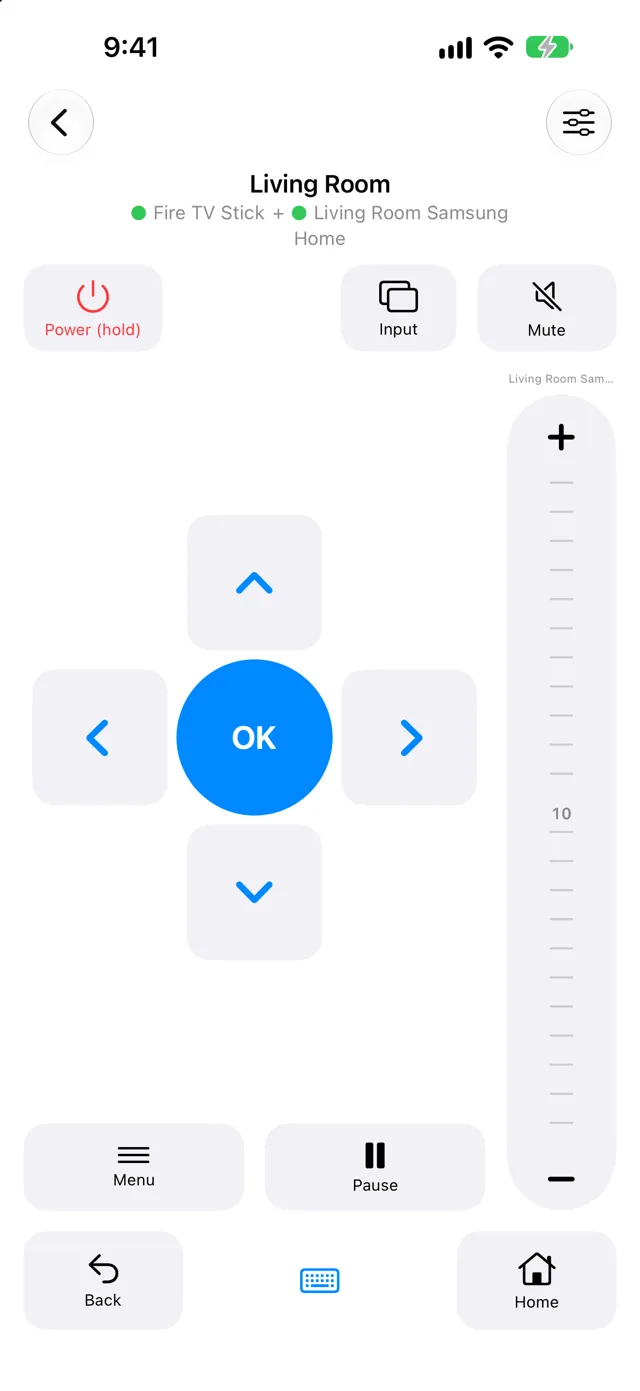
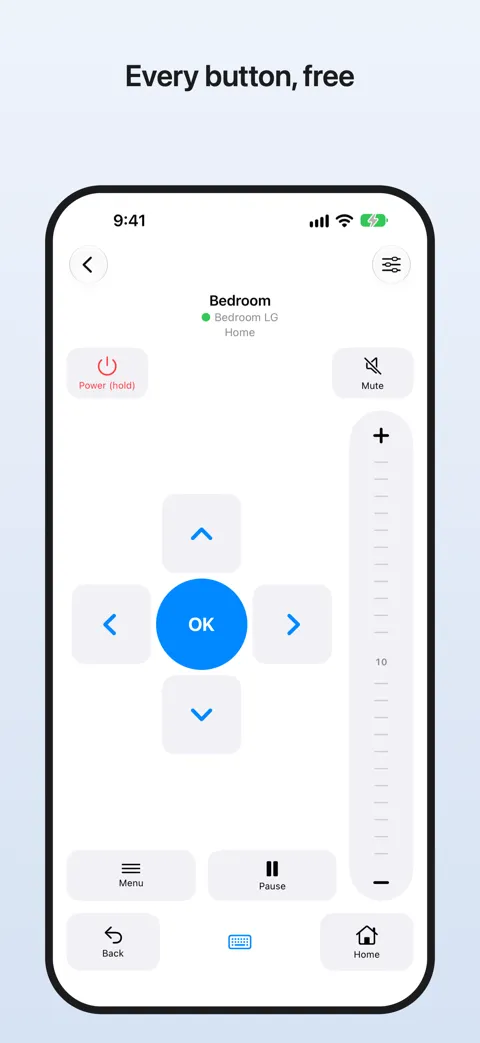
- Power, volume, mute, arrows, OK, back, home and play/pause
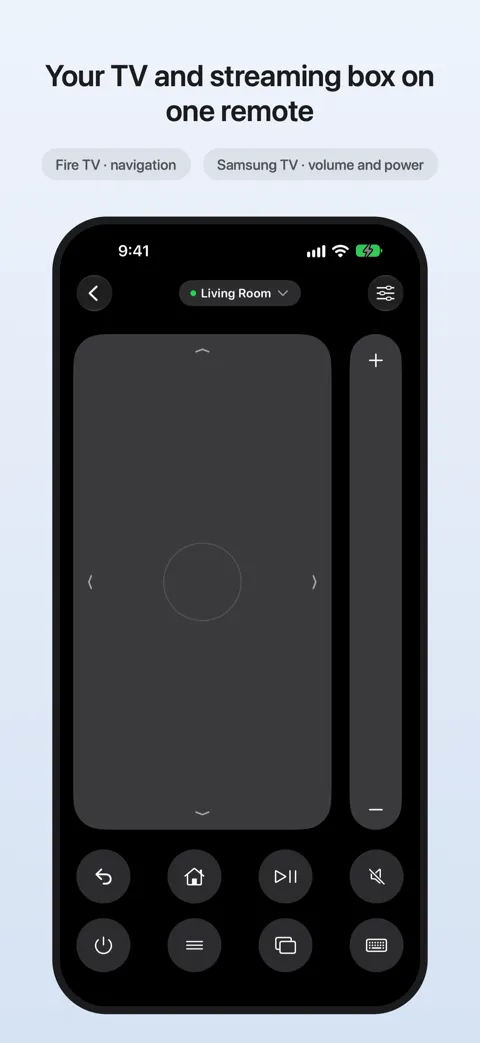
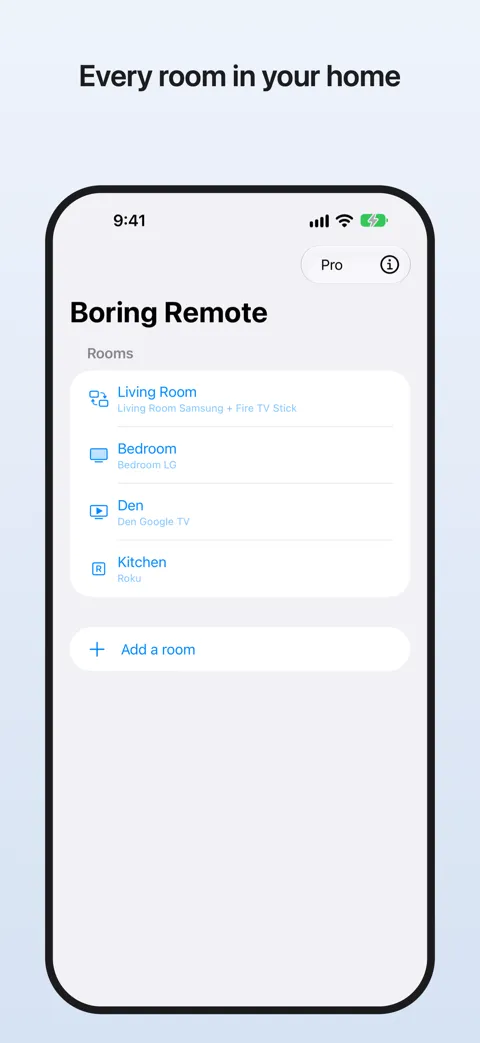
- One room: your TV plus its streaming box on one screen, so the Fire Stick gets arrows and the TV handles volume
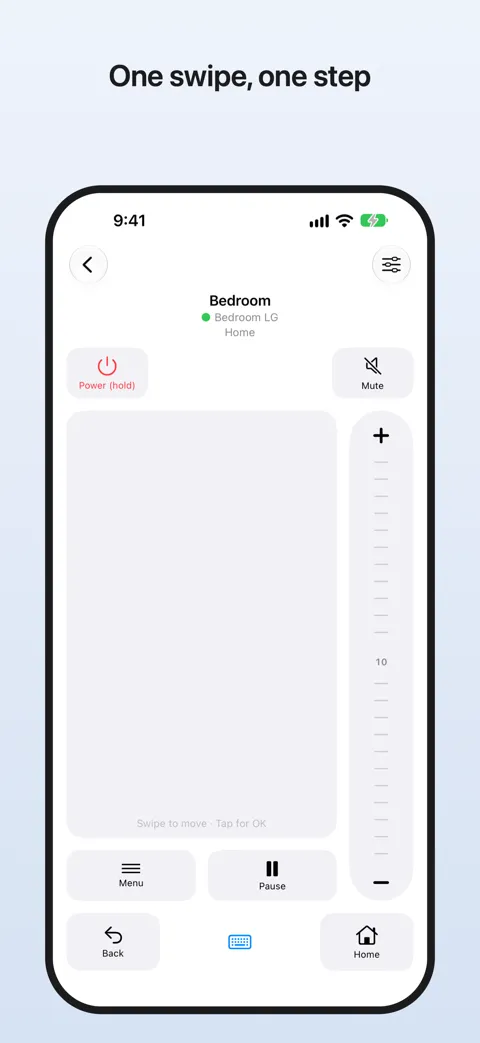
- Swipe pad: one swipe, one step
- Use it without looking: every button has its own feel, OK has a heartbeat you can find, and volume clicks like a real knob
- Finds your TVs on its own
Free means free. No time limit and no pop-ups.
Pro · $2.99 once
A few nice extras
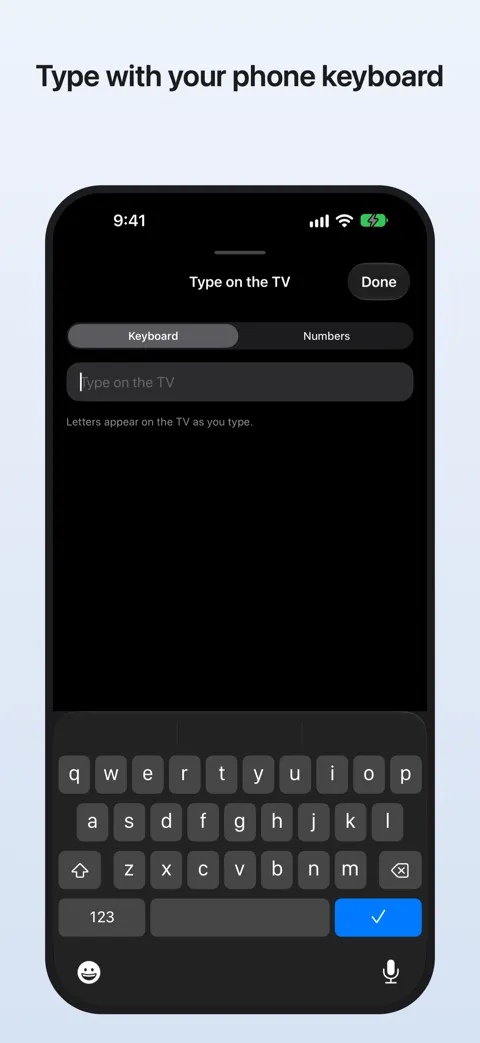
- Type on your TV with the iPhone keyboard. It pops up when the TV opens a search box
- Unlimited rooms for every TV in the house
- Lock Screen card with play/pause, mute and volume
- Control Center, widget and Action Button shortcuts
- Turn TVs on through Apple Home
- Broadlink IR blaster support for older TVs
Pay once and keep it. It works on every iPhone signed in to your Apple Account.
You can use it in the dark
A glass screen has no buttons to feel, so Boring Remote gives each one its own tap. Slide your thumb around and OK pulses like a heartbeat when you're on it. Volume runs down the right edge and clicks as you roll it, like the knob on an old stereo. You can keep your eyes on the show.
One screen for the TV and the box
Most people watch through a streaming stick, then reach for a second remote to change the volume. Put your TV and its box in one room and Boring Remote sends each button to the right place. Arrows go to the stick, volume and power go to the TV.
It only talks to your TV
Boring Remote sends buttons straight to your TV over your own Wi-Fi. There are no servers, no account and no analytics in the app. We don't collect anything, so there's nothing to sell. Read the privacy policy.
Questions
Is it really free?
Yes. Every basic button works for free, forever, with no time limit and no ads. You only pay if you want the Pro extras, and that is $2.99 once.
Why is there no subscription?
A remote talks to your TV over your own Wi-Fi. There are no servers for us to pay for, so there is nothing to charge you for every week.
Will it keep asking me to upgrade?
No. There are no pop-ups and no trial countdowns. You only see Pro if you tap a Pro feature.
Which TVs does it work with?
Roku TVs and sticks, Samsung smart TVs from 2016 on, LG webOS TVs, Fire TV, Google TV and Vizio. Your iPhone and TV need to be on the same Wi-Fi.
Do I need an account?
No. There is no sign-up and nothing to log in to. Open the app and it looks for your TVs.
What about Apple TV?
Your iPhone already has a free Apple TV remote in Control Center. Boring Remote can still handle the TV itself, like power and volume.
Something else? Email contact@polyology.co or see Support.
Paying every week for a remote app?
Here's how to cancel a TV remote subscription on your iPhone, step by step. It takes about a minute.